Sketch to AI art: three recorded before-and-after examples
See what a sketch communicates, then compare how style and background change. These three pairs come from actual recorded generations, with the original descriptions and settings ready to load into the canvas.
Sign in for one successful free watermarked preview per account. Originals and further creations require credits. Failed generation does not use the free allowance.
Three starting points from simple sketches
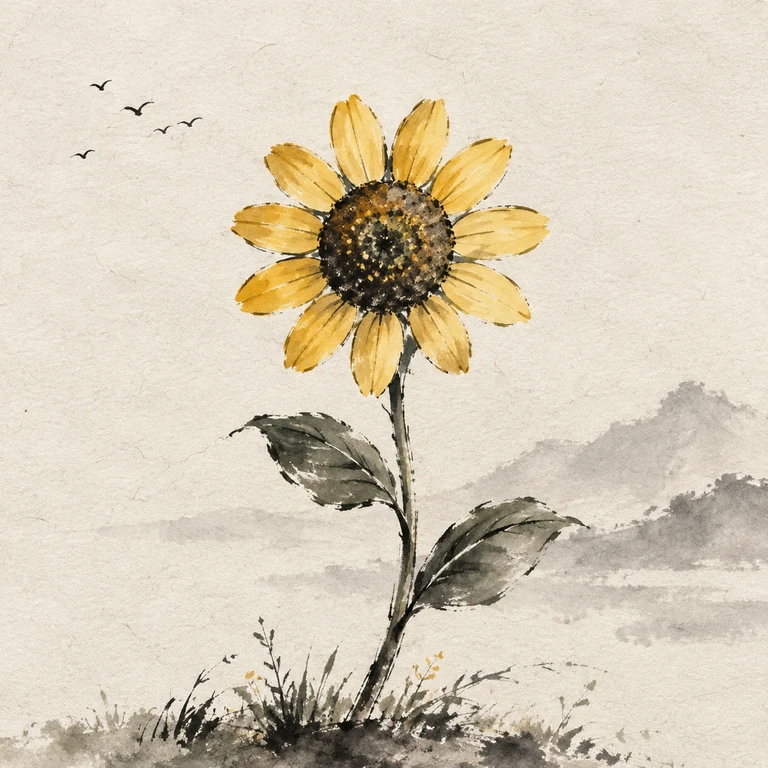
Sunflower · Chinese ink
Use a simple, separated outline when the identity of a flower matters. Name the flower, stem and leaves in the prompt, then decide whether you want a botanical study or a scene. Start with expansion off for fewer added objects; choose it on when a landscape is welcome.
See the sketch, both results and steps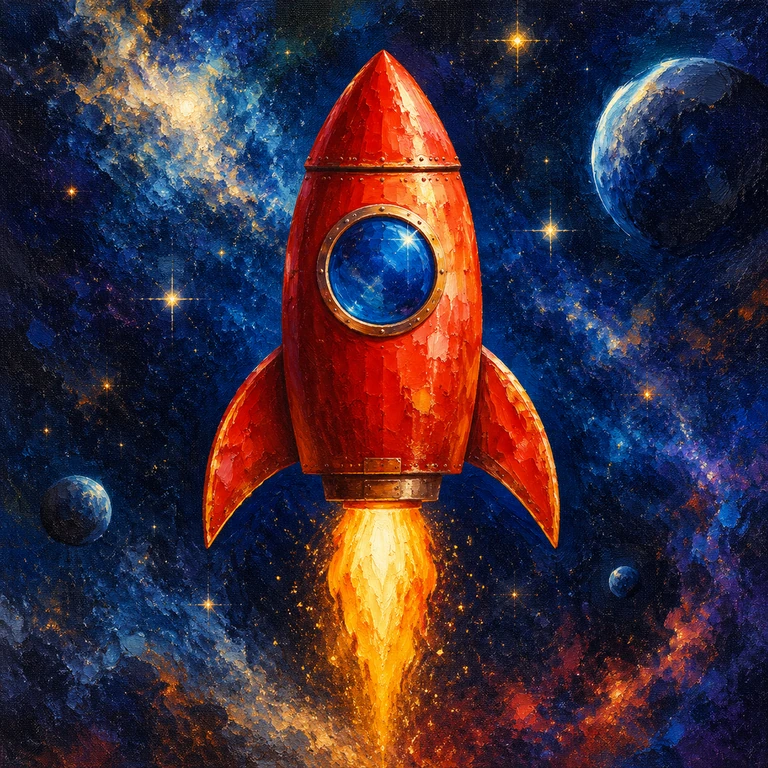
Rocket · Oil painting
A grayscale sketch can carry layout while the prompt carries the palette. Put the main subject and its important colors first: one red rocket, a blue round window and a gold flame. Oil-painting texture can suit bold, large shapes better than tiny technical details.
See the sketch, both results and steps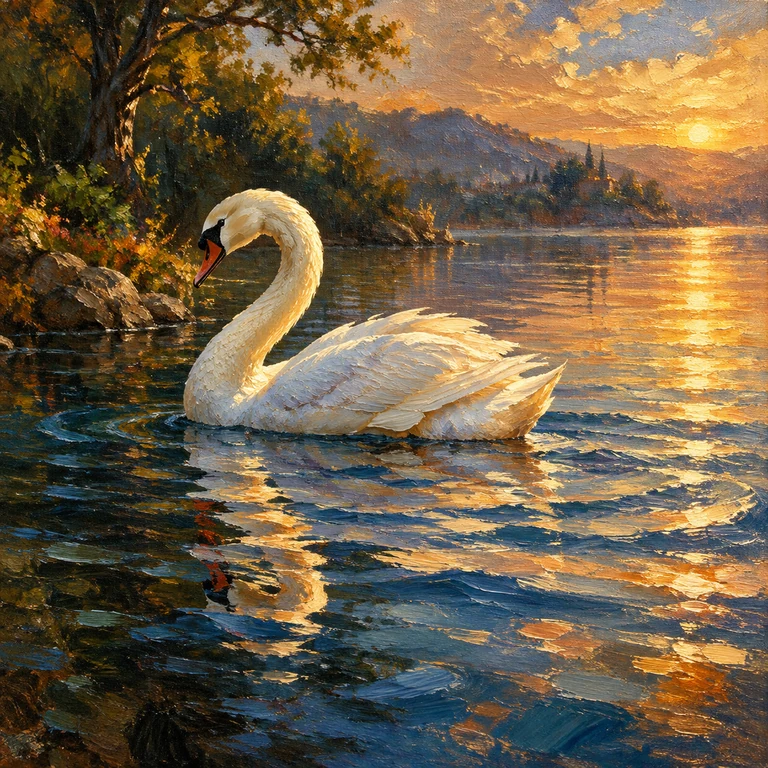
Swan · Oil painting
When a rough outline could be several animals, naming the species in the prompt matters. The curve of the neck and the water lines still give visual guidance. Decide whether the picture should focus on the bird or include a landscape before enabling expansion.
See the sketch, both results and stepsHow to compare before making your own image
- Find the subject cues: a flower head, circular window or long neck. Which shapes make the subject readable?
- Check what the description adds. Color, species and the main focus can clarify grayscale or rough lines.
- Compare background and composition. Creative Expand requests added detail; turning it off still does not lock the original outlines.
- Load an example, change one important detail in the drawing or description, then choose whether to generate.
Example records and getting started
These three pairs come from example generation records retained on October 27, 2026. The sketches and corresponding image files have been checked. This guide was prepared on November 15, 2026. View the public example settings
After loading an example, review its description, style and expansion setting before generating. Check the canvas for current shapes and costs. The same sketch and settings can produce different results.